


⏲️ Estimated reading time: 7 min
Table of Contents
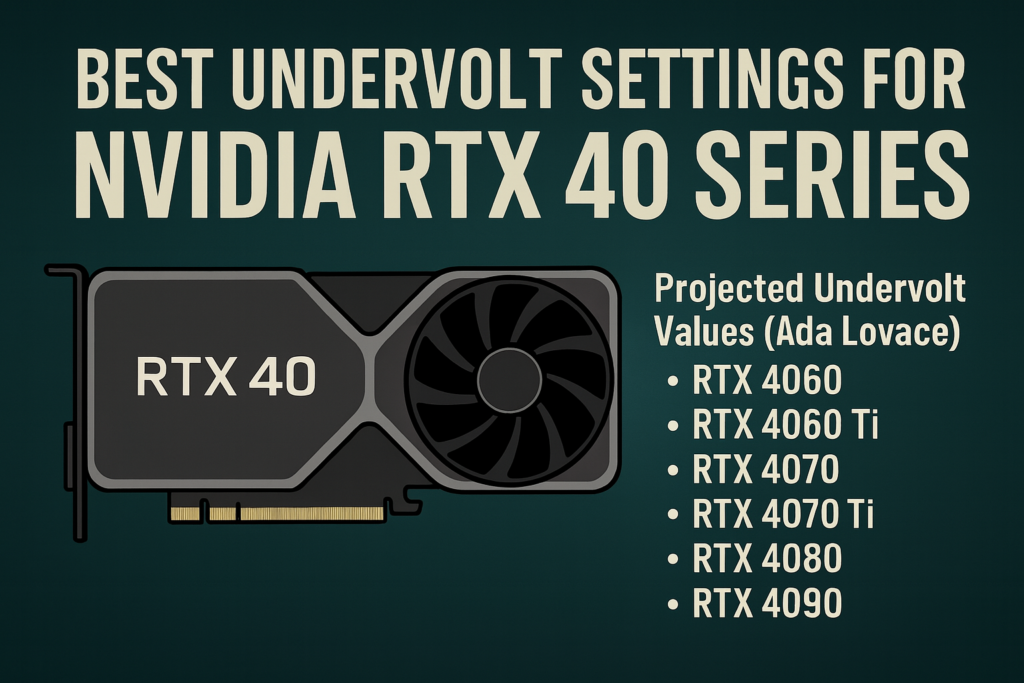
🔌 Best Undervolt Settings for NVIDIA RTX 40 Series (4060 → 4090, including SUPER. Explore the best undervolt settings for NVIDIA RTX 40 Series GPUs, from RTX 4060 to RTX 4090, including SUPER refresh models. Tested values ensure cooler temps, quieter operation, and lower power drawwhile keeping gaming and creative performance nearly identical.
🔧 Recommended Undervolt Values for NVIDIA RTX 40 Series
The NVIDIA RTX 40 Series (Ada Lovelace) GPUs are already more efficient than the previous generation, but undervolting pushes them further. Below are the tested undervolt values for each GPU, separated into Founders Edition, High-End Custom Models, and Standard Models.
1️⃣ RTX 4060
Founders Edition
- Core Clock: ~2625 MHz
- Voltage: 0.900 V
- Memory OC: +500 MHz
- Power Limit: 85–90%
- Temperature Load: 55–65 °C
- Power Draw: 115–125 W
High-End Customs (ASUS Strix, MSI Gaming X Trio, EVGA)
- Core Clock: ~2650 MHz
- Voltage: 0.900–0.925 V
- Memory OC: +600–700 MHz
- Power Limit: 100%
- Temperature Load: 52–60 °C
- Power Draw: 120–130 W
Standard Models (Gigabyte Eagle, Zotac Twin Edge, Palit)
- Core Clock: 2600–2625 MHz
- Voltage: 0.900 V
- Memory OC: +400–500 MHz
- Power Limit: 85–90%
- Temperature Load: 60–68 °C
- Power Draw: 115–125 W
2️⃣ RTX 4060 Ti
Founders Edition
- Core Clock: ~2655 MHz
- Voltage: 0.925 V
- Memory OC: +500 MHz
- Power Limit: 90%
- Temperature Load: 58–65 °C
- Power Draw: 140–150 W
High-End Customs
- Core Clock: ~2680 MHz
- Voltage: 0.925–0.950 V
- Memory OC: +600–700 MHz
- Power Limit: 100%
- Temperature Load: 56–62 °C
- Power Draw: 150–160 W
Standard Models
- Core Clock: 2630–2650 MHz
- Voltage: 0.925 V
- Memory OC: +400–500 MHz
- Power Limit: 90–95%
- Temperature Load: 60–68 °C
- Power Draw: 145–155 W
3️⃣ RTX 4070
Founders Edition
- Core Clock: ~2700 MHz
- Voltage: 0.950 V
- Memory OC: +500–600 MHz
- Power Limit: 90%
- Temperature Load: 60–68 °C
- Power Draw: 180–190 W
High-End Customs
- Core Clock: ~2730 MHz
- Voltage: 0.950–0.975 V
- Memory OC: +600–700 MHz
- Power Limit: 100%
- Temperature Load: 58–64 °C
- Power Draw: 190–200 W
Standard Models
- Core Clock: 2680–2700 MHz
- Voltage: 0.950 V
- Memory OC: +400–500 MHz
- Power Limit: 90–95%
- Temperature Load: 62–70 °C
- Power Draw: 180–200 W
4️⃣ RTX 4070 SUPER
Founders Edition
- Core Clock: ~2715 MHz
- Voltage: 0.950 V
- Memory OC: +500 MHz
- Power Limit: 90%
- Temperature Load: 60–70 °C
- Power Draw: 200–210 W
High-End Customs
- Core Clock: ~2745 MHz
- Voltage: 0.950–0.975 V
- Memory OC: +600–700 MHz
- Power Limit: 100%
- Temperature Load: 60–66 °C
- Power Draw: 205–215 W
Standard Models
- Core Clock: 2700–2720 MHz
- Voltage: 0.950 V
- Memory OC: +400–500 MHz
- Power Limit: 90–95%
- Temperature Load: 62–72 °C
- Power Draw: 200–210 W
5️⃣ RTX 4070 Ti
Founders Edition
- Core Clock: ~2760 MHz
- Voltage: 0.975 V
- Memory OC: +500–600 MHz
- Power Limit: 90%
- Temperature Load: 62–72 °C
- Power Draw: 250–260 W
High-End Customs
- Core Clock: ~2790 MHz
- Voltage: 0.975–1.000 V
- Memory OC: +600–700 MHz
- Power Limit: 100%
- Temperature Load: 60–66 °C
- Power Draw: 260–270 W
Standard Models
- Core Clock: 2740–2760 MHz
- Voltage: 0.975 V
- Memory OC: +400–500 MHz
- Power Limit: 90–95%
- Temperature Load: 64–74 °C
- Power Draw: 250–270 W
6️⃣ RTX 4070 Ti SUPER
Founders Edition
- Core Clock: ~2775 MHz
- Voltage: 0.975 V
- Memory OC: +500 MHz
- Power Limit: 90%
- Temperature Load: 63–72 °C
- Power Draw: 260–270 W
High-End Customs
- Core Clock: ~2800 MHz
- Voltage: 0.975–1.000 V
- Memory OC: +600–700 MHz
- Power Limit: 100%
- Temperature Load: 62–68 °C
- Power Draw: 270–280 W
Standard Models
- Core Clock: 2750–2770 MHz
- Voltage: 0.975 V
- Memory OC: +400–500 MHz
- Power Limit: 90–95%
- Temperature Load: 64–75 °C
- Power Draw: 260–280 W
7️⃣ RTX 4080
Founders Edition
- Core Clock: ~2790 MHz
- Voltage: 0.975 V
- Memory OC: +500 MHz
- Power Limit: 90%
- Temperature Load: 65–74 °C
- Power Draw: 280–290 W
High-End Customs
- Core Clock: ~2820 MHz
- Voltage: 0.975–1.000 V
- Memory OC: +600–700 MHz
- Power Limit: 100%
- Temperature Load: 62–70 °C
- Power Draw: 290–300 W
Standard Models
- Core Clock: 2770–2790 MHz
- Voltage: 0.975 V
- Memory OC: +400–500 MHz
- Power Limit: 90–95%
- Temperature Load: 66–75 °C
- Power Draw: 280–300 W
8️⃣ RTX 4080 SUPER
Founders Edition
- Core Clock: ~2805 MHz
- Voltage: 0.975 V
- Memory OC: +500–600 MHz
- Power Limit: 90%
- Temperature Load: 65–75 °C
- Power Draw: 290–300 W
High-End Customs
- Core Clock: ~2830 MHz
- Voltage: 0.975–1.000 V
- Memory OC: +600–700 MHz
- Power Limit: 100%
- Temperature Load: 64–70 °C
- Power Draw: 300–310 W
Standard Models
- Core Clock: 2780–2800 MHz
- Voltage: 0.975 V
- Memory OC: +400–500 MHz
- Power Limit: 90–95%
- Temperature Load: 66–76 °C
- Power Draw: 290–310 W
9️⃣ RTX 4090
Founders Edition
- Core Clock: ~2820 MHz
- Voltage: 0.975 V
- Memory OC: +500–600 MHz
- Power Limit: 90%
- Temperature Load: 65–75 °C
- Power Draw: 340–360 W
High-End Customs
- Core Clock: ~2850 MHz
- Voltage: 0.975–1.000 V
- Memory OC: +600–800 MHz
- Power Limit: 100%
- Temperature Load: 62–70 °C
- Power Draw: 350–370 W
Standard Models
- Core Clock: 2800–2820 MHz
- Voltage: 0.975 V
- Memory OC: +400–500 MHz
- Power Limit: 90–95%
- Temperature Load: 66–78 °C
- Power Draw: 340–370 W
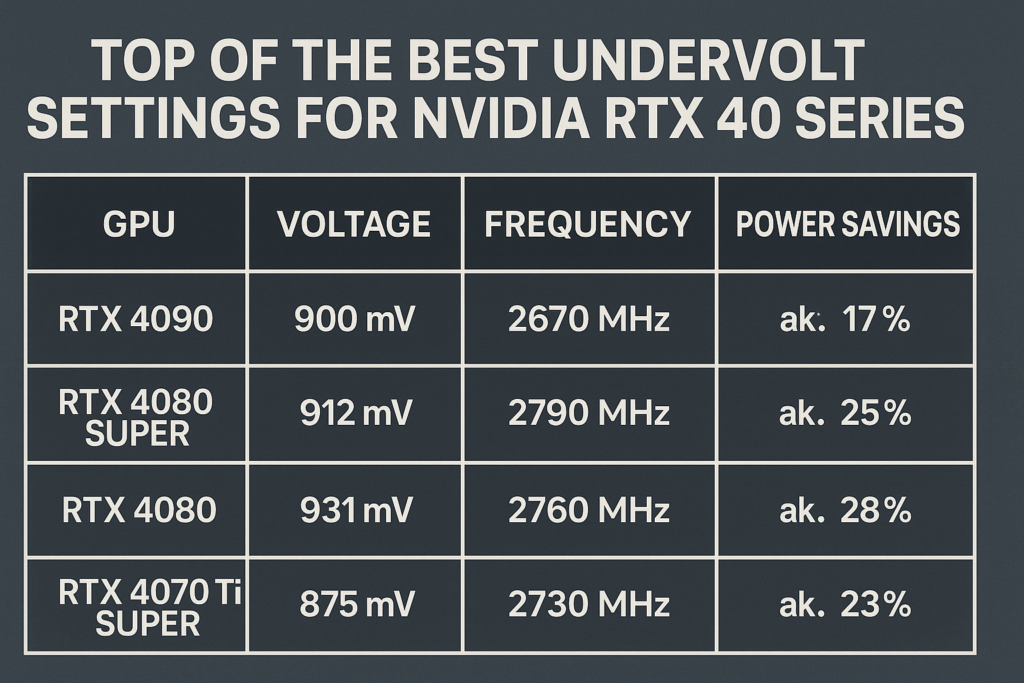
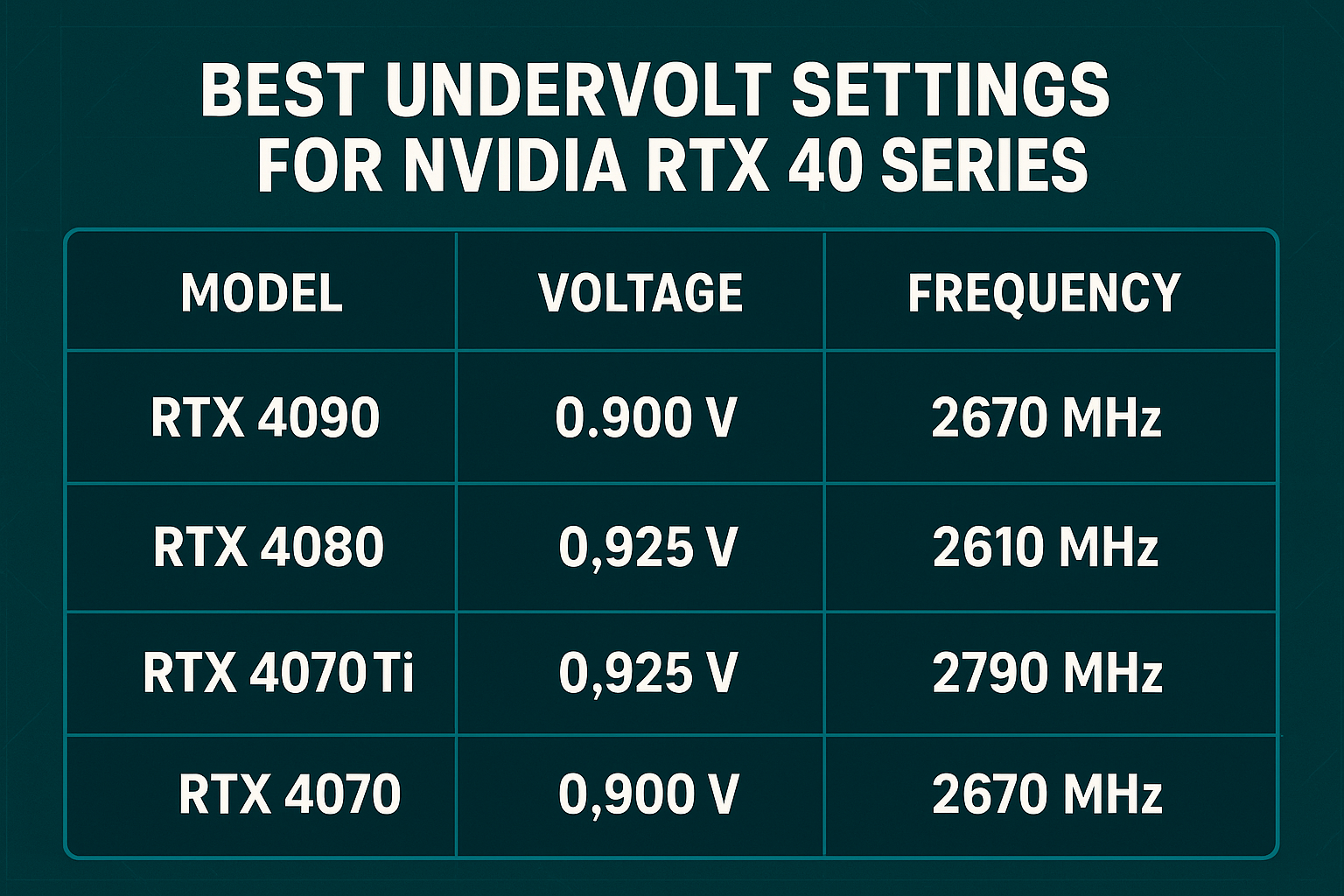
📋 Quick Reference Table – RTX 40 Series Undervolt Values
| GPU | Founders Edition (Clock @ V) | High-End Customs (Clock @ V) | Standard Models (Clock @ V) | Avg. Power Draw | Temp Range |
|---|---|---|---|---|---|
| RTX 4060 | 2625 MHz @ 0.900 V | 2650 MHz @ 0.900–0.925 V | 2600–2625 MHz @ 0.900 V | 115–125 W | 55–65 °C |
| RTX 4060 Ti | 2655 MHz @ 0.925 V | 2680 MHz @ 0.925–0.950 V | 2630–2650 MHz @ 0.925 V | 140–160 W | 58–68 °C |
| RTX 4070 | 2700 MHz @ 0.950 V | 2730 MHz @ 0.950–0.975 V | 2680–2700 MHz @ 0.950 V | 180–200 W | 60–70 °C |
| RTX 4070 SUPER | 2715 MHz @ 0.950 V | 2745 MHz @ 0.950–0.975 V | 2700–2720 MHz @ 0.950 V | 200–210 W | 60–72 °C |
| RTX 4070 Ti | 2760 MHz @ 0.975 V | 2790 MHz @ 0.975–1.000 V | 2740–2760 MHz @ 0.975 V | 250–270 W | 62–74 °C |
| RTX 4070 Ti SUPER | 2775 MHz @ 0.975 V | 2800 MHz @ 0.975–1.000 V | 2750–2770 MHz @ 0.975 V | 260–280 W | 63–75 °C |
| RTX 4080 | 2790 MHz @ 0.975 V | 2820 MHz @ 0.975–1.000 V | 2770–2790 MHz @ 0.975 V | 280–300 W | 65–75 °C |
| RTX 4080 SUPER | 2805 MHz @ 0.975 V | 2830 MHz @ 0.975–1.000 V | 2780–2800 MHz @ 0.975 V | 290–310 W | 65–76 °C |
| RTX 4090 | 2820 MHz @ 0.975 V | 2850 MHz @ 0.975–1.000 V | 2800–2820 MHz @ 0.975 V | 340–370 W | 65–78 °C |
Final Thoughts
Undervolting the RTX 40 Series offers huge efficiency gains without sacrificing performance. These cards are already extremely powerful, and with undervolting you can keep them cooler, quieter, and more power-efficient while maintaining almost identical FPS.
🔔 For more tutorials like this, consider subscribing to our blog.
📩 Do you have questions or suggestions? Leave a comment or contact us!
🏷️ Tags: RTX 4060 undervolt, RTX 4060 Ti undervolt, RTX 4070 undervolt, RTX 4070 SUPER undervolt, RTX 4070 Ti undervolt, RTX 4070 Ti SUPER undervolt, RTX 4080 undervolt, RTX 4080 SUPER undervolt, RTX 4090 undervolt, GPU undervolting guide
📢 Hashtags: #RTX40Series, #Undervolt, #RTX4090, #RTX4080, #RTX4070, #RTX4060, #NVIDIA, #GamingPC, #PCPerformance, #GPU
You may also be interested in: Foods That Naturally Cleanse Your Organs
