


⏲️ Estimated reading time: 6 min
Table of Contents
Top 7 WordPress Security Mistakes People Make Before the Holidays:
The holiday season is one of the most dangerous periods for WordPress websites. Reduced monitoring, delayed updates, and increased automated attacks create the perfect conditions for security breaches. Here are the seven most common WordPress security mistakes site owners make before the holidays and how to avoid them.
See also: How to Use an Air Conditioner Correctly: Best Settings for
Holiday Season
For most people, the holiday season means vacations, family time, and fewer hours spent online. For hackers and automated bots, however, it’s prime time.
Every year, WordPress sites experience a spike in attacks during December. The reason is simple: many site owners stop paying attention. Updates are postponed, backups are forgotten, and security alerts go unchecked. Attackers know this and they take full advantage.
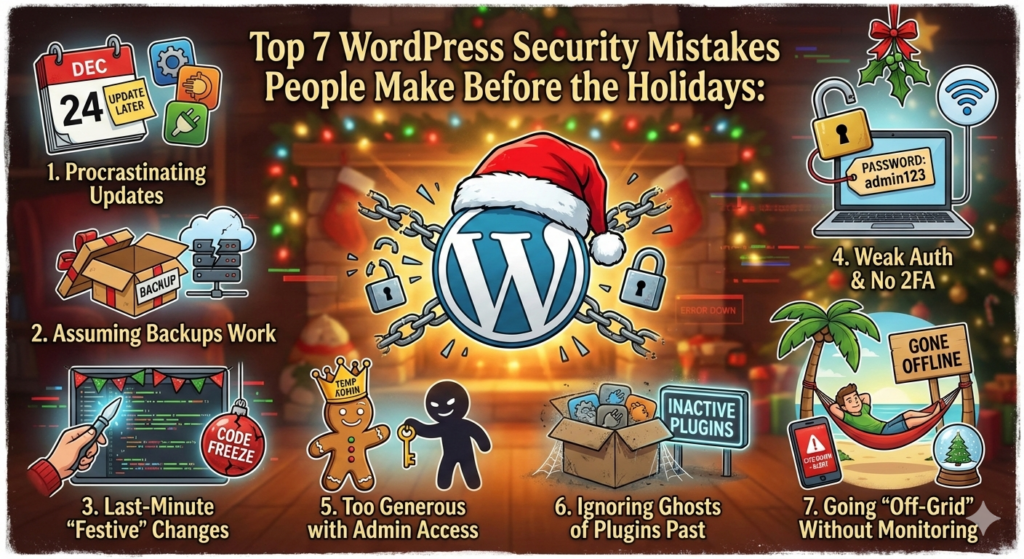
In this article, we’ll break down the top 7 WordPress security mistakes people make before the holidays, explain why they’re dangerous, and show you how to fix them quickly before it’s too late.
1. Delaying WordPress Core, Theme, and Plugin Updates
One of the most common and most dangerous mistakes is postponing updates.
Many site owners think:
“I’ll update everything after the holidays.”
Unfortunately, attackers don’t wait.
Why this is risky
- Most WordPress hacks exploit known vulnerabilities
- Security patches are often released quietly
- Outdated plugins are the #1 infection vector
What to do instead
- Update WordPress core, themes, and plugins before December 20
- Remove plugins you no longer use
- Enable automatic updates for security releases
Updating before the holidays dramatically reduces your risk exposure.
2. Leaving Weak or Shared Admin Credentials
During the holidays, team members may log in from different devices, networks, or locations. Weak passwords become a serious liability.
Common mistakes
- Reusing old passwords
- Sharing admin credentials
- Using “admin” as a username
- Not changing passwords for months or years
How attackers exploit this
- Brute-force attacks
- Credential stuffing from leaked databases
- Phishing emails disguised as holiday promotions
Best practices
- Use strong, unique passwords
- Enable two-factor authentication (2FA)
- Limit admin accounts to essential users only
This single change can block a huge percentage of attacks.
3. Forgetting to Check Backups (or Not Having Any)
Many website owners assume backups are working until they actually need one.
During the holidays, delayed response times can turn a minor issue into a complete site loss.
Common backup mistakes
- No backups at all
- Backups stored on the same server
- Backups not tested
- Infrequent backup schedules
What you should do now
- Ensure backups run daily
- Store backups off-site (cloud or external server)
- Test restoring a backup at least once
If your site gets hacked on December 26, a clean backup may be the only thing that saves your business.
4. Ignoring Security Alerts and Logs
Security plugins often send warnings but during the holidays, they’re easy to ignore.
This is exactly what attackers rely on.
Examples of ignored warnings
- Multiple failed login attempts
- File change alerts
- Malware scan notifications
- Unusual admin logins
Why this is dangerous
- Small alerts often indicate early-stage attacks
- Ignored warnings can escalate into full compromises
- Hackers may stay hidden for weeks
Recommended actions
- Enable email notifications for critical alerts
- Review logs weekly (even during holidays)
- Investigate anything unusual immediately
Silence is not safety especially in December.
5. Using Outdated or Abandoned Plugins
Holiday periods are when abandoned plugins become ticking time bombs.
Many plugins are no longer maintained, yet remain active on thousands of sites.
Red flags to watch for
- Plugin not updated in over 12 months
- No longer compatible with the latest WordPress version
- Poor or outdated reviews
- Unknown or inactive developers
What to do
- Audit all installed plugins
- Remove anything you don’t actively need
- Replace abandoned plugins with well-maintained alternatives
Every unused plugin is an unnecessary attack surface.
6. Leaving Login Pages and Admin URLs Unprotected
By default, WordPress login URLs are predictable and attackers know them by heart.
During the holidays, brute-force attacks increase significantly.
Common vulnerabilities
/wp-login.phpleft open- No login attempt limits
- No firewall protection
- No CAPTCHA or bot filtering
How to secure access
- Limit login attempts
- Add CAPTCHA or bot protection
- Use a firewall (WAF)
- Restrict admin access by IP (if possible)
Even basic protections can stop thousands of automated attacks per day.
7. Assuming “Small Sites Don’t Get Hacked”
This is perhaps the most dangerous myth in WordPress security.
Many site owners believe hackers only target large websites. In reality, small sites are often targeted more aggressively.
Why small sites are attractive targets
- Less monitoring
- Outdated software
- Weak passwords
- Slower response times
Hackers don’t care about your traffic they care about vulnerabilities.
Reality check
If your site is online, it’s a target.
Security is not optional, regardless of size or niche.
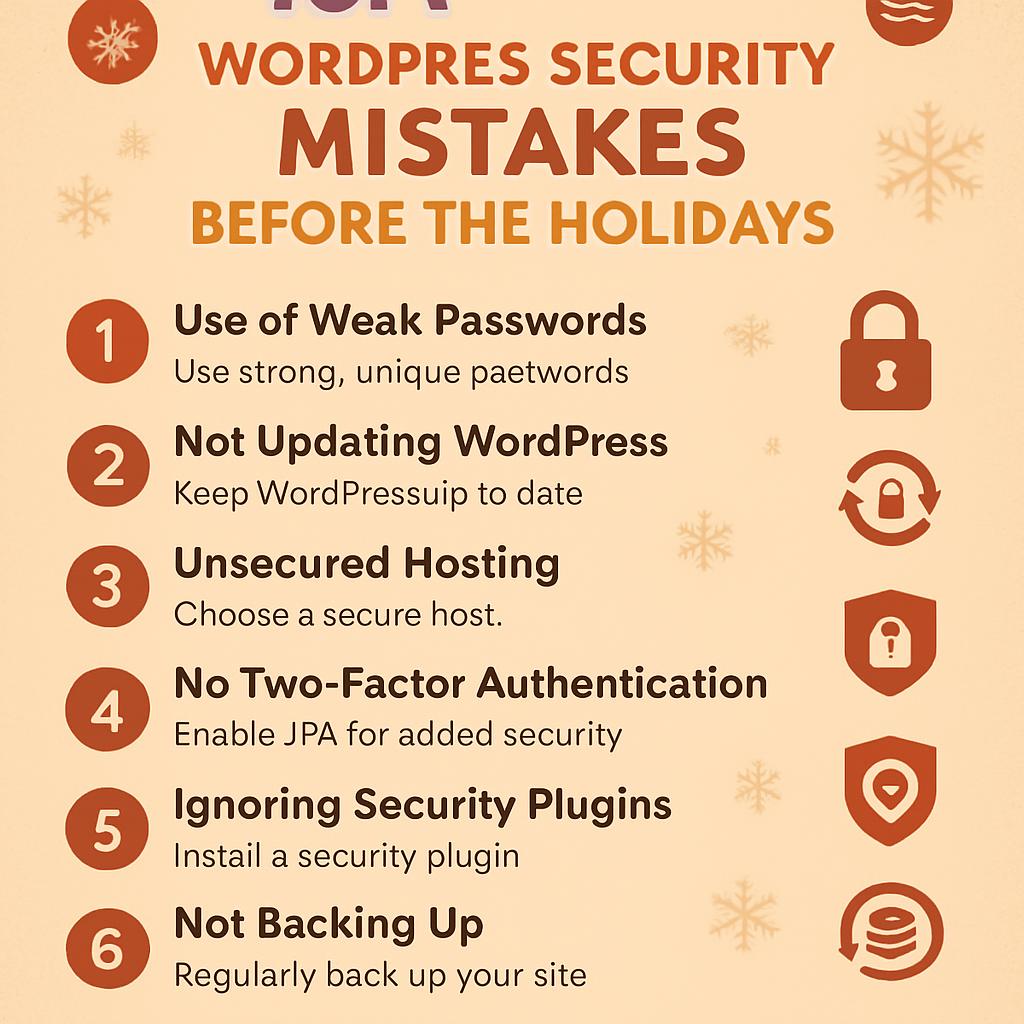
Quick Holiday WordPress Security Checklist
Before the holidays, make sure you:
- ✅ Update WordPress core, themes, and plugins
- ✅ Remove unused or abandoned plugins
- ✅ Change admin passwords and enable 2FA
- ✅ Verify backups and test restore
- ✅ Review security alerts and logs
- ✅ Protect login and admin access
- ✅ Enable a firewall or security plugin
This checklist alone can prevent most common attacks.
Final Thoughts
The holiday season should be a time to relax not to recover from a hacked website.
Most WordPress security incidents during December are entirely preventable. A few hours of preparation before the holidays can save days or weeks of damage control later.
If you take security seriously now, your website can continue running safely while you enjoy your time offline.
FAQ – WordPress Security During the Holidays
Is WordPress more vulnerable during the holidays?
Yes. Reduced monitoring and delayed updates make many sites easier targets during this period.
Do I really need security if my site is small?
Absolutely. Most automated attacks target small and medium sites, not big brands.
Are security plugins enough?
They help, but only if properly configured and monitored. Security is a process, not a single tool.
Should I disable my site while on vacation?
Not necessary if your site is updated, backed up, and secured properly.
Disclaimer
The information provided in this article is for educational and informational purposes only. While every effort has been made to ensure accuracy and relevance, website security practices may vary depending on hosting environments, configurations, and third-party services.
This content does not constitute professional cybersecurity, legal, or technical advice. The author and HelpZone.blog are not responsible for any losses, damages, or security incidents resulting from the implementation or misuse of the information presented. Always test changes on a staging environment and consult a qualified professional when necessary.
🔔 For more tutorials like this, consider subscribing to our blog.
📩 Do you have questions or suggestions? Leave a comment or contact us!
🏷️ Tags: WordPress Security, Website Protection, WordPress Tips, Cybersecurity
📢 Hashtags: #WordPressSecurity #WebsiteSafety #HolidaySecurity #WPProtection #HelpZone
