

⏲️ Estimated reading time: 4 min
Table of Contents
Here’s a WordPress PHP function that generates a Ultimate WordPress Countdown to a specific date. It will dynamically update to show years, days, hours, minutes, and seconds.
Steps to Use Ultimate WordPress Countdown
- Add this function to your WordPress theme’s functions php file.
Features:
- Displays a real-time countdown to a specific date.
- Can be used as a shortcode in posts or pages.
- Uses PHP for dynamic date settings and CSS for styling.
Full Countdown Code (PHP + CSS + JS)
function countdown_to_date_shortcode($atts) {
    $atts = shortcode_atts(array(
        'target' => '2030-01-01 00:00:00', // Default target date
    ), $atts, 'countdown');

    $target_time = strtotime($atts['target']); // Convert date to timestamp

    if (!$target_time) {
        return '<p>Invalid date format. Use YYYY-MM-DD HH:MM:SS.</p>';
    }

    $current_time = time();
    $seconds_remaining = $target_time - $current_time;

    if ($seconds_remaining <= 0) {
        return '<p class="countdown-over">The countdown has ended!</p>';
    }

    ob_start();
    ?>
    <div id="countdown-container">
        <div id="countdown-timer" data-target="<?php echo esc_attr($target_time); ?>">
            <span id="countdown-display">Loading...</span>
        </div>
    </div>

    <style>
        #countdown-container {
            display: flex;
            justify-content: center;
            align-items: center;
            margin: 20px auto;
            padding: 20px;
            max-width: 400px;
            text-align: center;
            background: linear-gradient(135deg, #007bff, #6610f2);
            color: #fff;
            font-family: Arial, sans-serif;
            font-size: 1.5rem;
            font-weight: bold;
            border-radius: 10px;
            box-shadow: 0 4px 10px rgba(0, 0, 0, 0.2);
        }

        #countdown-display {
            display: block;
            padding: 10px;
        }

        .countdown-over {
            text-align: center;
            font-size: 1.5rem;
            color: red;
            font-weight: bold;
        }
    </style>

    <script>
        document.addEventListener("DOMContentLoaded", function() {
            let countdownElement = document.getElementById("countdown-timer");
            let targetTime = parseInt(countdownElement.getAttribute("data-target")) * 1000;

            function formatUnit(value, singular, plural) {
                return value === 1 ? singular : plural;
            }

            function padZero(value) {
                return value.toString().padStart(2, "0"); // Ensures two digits (e.g., 09, 08)
            }

            function updateCountdown() {
                let now = new Date().getTime();
                let timeRemaining = targetTime - now;

                if (timeRemaining <= 0) {
                    document.getElementById("countdown-display").innerHTML = "Time's up!";
                    return;
                }

                let totalSeconds = Math.floor(timeRemaining / 1000);
                let years = Math.floor(totalSeconds / 31557600);
                let days = Math.floor((totalSeconds % 31557600) / 86400);
                let hours = Math.floor((totalSeconds % 86400) / 3600);
                let minutes = Math.floor((totalSeconds % 3600) / 60);
                let seconds = totalSeconds % 60;

                document.getElementById("countdown-display").innerHTML =
                    (years > 0 ? padZero(years) + " " + formatUnit(years, "Year", "Years") + " " : "") +
                    (days > 0 ? padZero(days) + " " + formatUnit(days, "Day", "Days") + " " : "") +
                    (hours > 0 ? padZero(hours) + " " + formatUnit(hours, "Hour", "Hours") + " " : "") +
                    (minutes > 0 ? padZero(minutes) + " " + formatUnit(minutes, "Minute", "Minutes") + " " : "") +
                    padZero(seconds) + " " + formatUnit(seconds, "Second", "Seconds");

                setTimeout(updateCountdown, 1000);
            }

            updateCountdown();
        });
    </script>
    <?php
    return ob_get_clean();
}

add_shortcode('countdown', 'countdown_to_date_shortcode');
How to Use the Countdown
➡️ Add this shortcode anywhere in WordPress pages/posts:
[countdown target="2030-12-31 23:59:59"]✅ Works with Any WordPress Theme This lightweight countdown timer uses PHP, CSS, and JavaScript, making it efficient and easy to integrate. Let me know if you need further customizations! 🚀
💡 Change the target date as needed.
See also: Yoast SEO Indexation Full Guide to Optimizing and Reprocessing
✨ Final Look
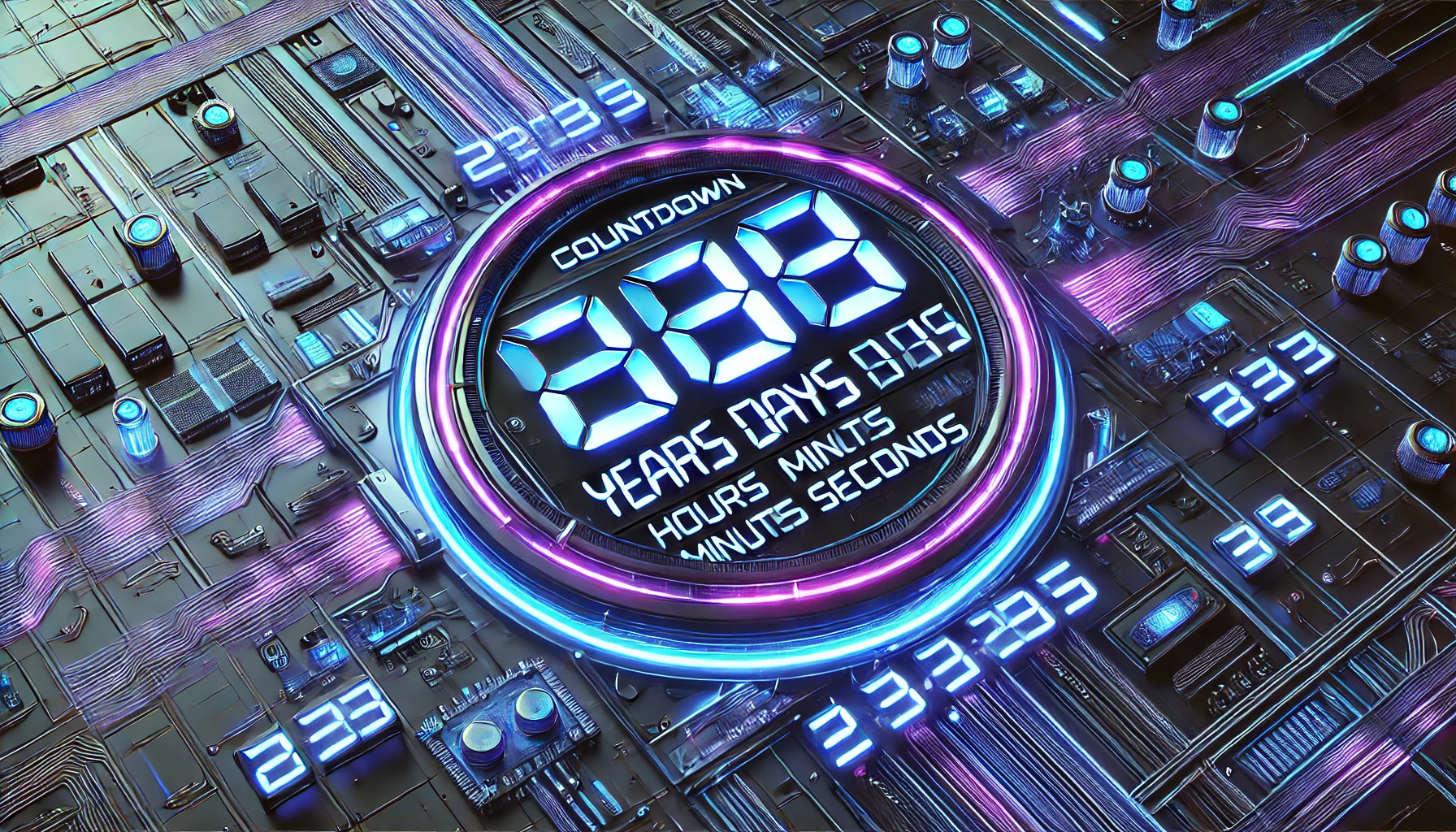
🔥 Ready to Go Countdown Example:
- Works dynamically for any date in the future
- Displays Years, Days, Hours, Minutes, and Seconds
- Auto-updates every 1 second
- Seconds (and all numbers) now always show two digits (e.g., 09, 08, 07)
- Added
padZero()function to format numbers correctly - Responsive & clean design with a gradient box
- Works with (countdown target=”YYYY-MM-DD HH:MM:SS”) shortcode, allowing you to display a dynamic countdown timer on your WordPress site.
⚠️ Disclaimer and Source Hygiene
This code is provided “as-is” for educational and informational purposes. Ensure you test it on a staging site before deploying to production. The author assumes no responsibility for any conflicts, data loss, or performance issues arising from its use. Always back up your functions.php file before adding custom code. Shortcode behavior may vary depending on your WordPress theme and caching plugins.
🔔 For more tutorials like this, consider subscribing to our blog.
📩 Do you have questions or suggestions? Leave a comment or contact us!
🏷️ Tags: WordPress countdown, PHP countdown script, CSS timer design, dynamic countdown shortcode, real-time JavaScript timer, WordPress functions.php, event countdown plugin alternative, responsive countdown widget, custom WordPress shortcode, future date countdown
📢 Hashtags: #WordPress, #CountdownTimer, #PHP, #CSS, #WebDevelopment, #WordPressShortcode, #RealTimeCountdown, #JavaScript, #WPTips, #FrontendDev
