


⏲️ Estimated reading time: 12 min
Table of Contents
🧠 The Essential Meta Tags for Social Media: Complete Guide to Perfect Sharing Previews. Learn everything about essential meta tags for Facebook, X (Twitter), LinkedIn, and more. Discover how to control your post previews, boost clicks, and make your content look perfect across every social network.
Why Meta Tags Matter More Than Ever
Have you ever shared your website link on Facebook or X (Twitter) and noticed it looked… odd?
No image, a random sentence, or a broken title?
That’s a meta tag problem and it’s costing you attention, traffic, and credibility.
Meta tags are tiny snippets of HTML code that tell social networks what to display when someone shares your page. Without them, platforms guess and their guess is rarely flattering.
Whether you run a blog, an e-commerce shop, or a corporate website, optimizing your meta tags is essential to ensure your content looks polished, clickable, and consistent everywhere it appears.
Let’s break down every essential meta tag you need, explain what each does, and reveal pro tricks to make them work together perfectly.
Understanding What Meta Tags Actually Are
Before diving into platform-specific tricks, let’s quickly review what meta tags do.
Meta tags live inside the <head> section of your HTML and communicate invisible data to browsers, search engines, and social platforms.
There are three main families relevant to social sharing:
- Open Graph (OG) – invented by Facebook, now used by most networks (Facebook, LinkedIn, Pinterest, Threads).
- Twitter Cards – specific to X (Twitter).
- General SEO Meta Tags – like
titleanddescription, which Google and others still rely on.
Together, they determine what text, image, and description appear when your link is shared or embedded elsewhere.
The Holy Trinity of Social Meta Tags
Every page you want shared should include these three core tags:
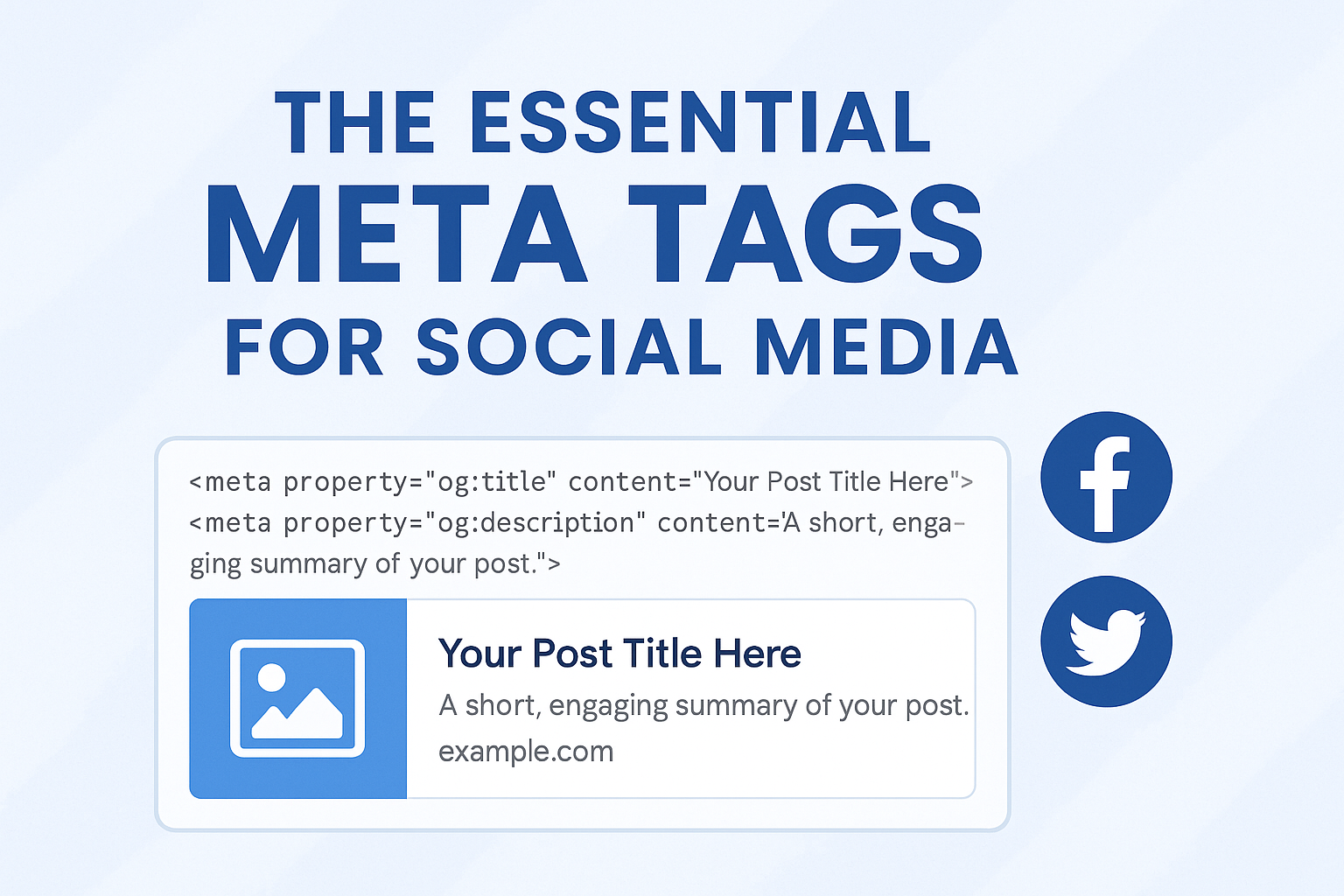
<meta property="og:title" content="Your Post Title Here">
<meta property="og:description" content="A short, engaging summary of your post.">
<meta property="og:image" content="https://example.com/image.jpg">
These three tags control the title, description, and image preview.
When you share a link, social platforms pull this information to build your “card.”
✅ Pro Tip:
Keep your OG title under 60 characters and your OG description under 110 characters for the best visual layout on all platforms.
Adding the Page URL and Type
The next two Open Graph tags ensure your link behaves correctly:
<meta property="og:url" content="https://example.com/your-post">
<meta property="og:type" content="article">
- og:url prevents duplicate shares when your page can be accessed via multiple URLs.
- og:type tells the network what kind of content it is (e.g.,
website,article,video,music).
✅ Pro Tip:
Always use the canonical URL in og:url this improves SEO and ensures all likes, shares, and comments aggregate to the same link.
Specifying Your Website Name and Locale
<meta property="og:site_name" content="HelpZone Blog">
<meta property="og:locale" content="en_US">
These help social platforms categorize and localize your content.
If your site has multilingual versions, you can even specify alternate locales:
<meta property="og:locale:alternate" content="fr_FR">
<meta property="og:locale:alternate" content="de_DE">
✅ Pro Tip:
For multilingual blogs, include alternate locales for every language version of a page it boosts regional discoverability.
The Image: Your Click Magnet
Nothing drives clicks like a perfect preview image.
Social platforms heavily prioritize visuals, so og:image is arguably your most powerful tag.
Here’s how to perfect it:
- Use 1200 × 630 px for Facebook, LinkedIn, and Threads.
- Use 1024 × 512 px for X (Twitter).
- Host images on HTTPS to avoid security warnings.
- Use JPG or PNG ≤ 1 MB for speed.
- Add a secondary tag for high-resolution fallback:
<meta property="og:image:alt" content="Short description of the image for accessibility">
✅ Pro Tip:
Avoid images with too much text Facebook truncates them, and Twitter may crop awkwardly.
Keep your brand logo subtle in one corner.
Crafting the Perfect Open Graph Title
Your OG title isn’t just your post title it’s your social headline.
It must capture attention instantly.
✅ Formula for perfect OG titles:
[Emotion Trigger] + [Topic] + [Promise]
Examples:
- “Why Real Learning Feels the Fear of Not Knowing”
- “10 Ways to Double Your WordPress Speed Without Plugins”
- “The Hidden SEO Tag That Changes Everything”
✅ Pro Tip:
Test multiple title versions using A/B tools like Facebook’s debugger or Tweet preview generators to see which layout looks best.
Twitter Cards Explained
While Open Graph covers most platforms, X (Twitter) uses its own system: Twitter Cards.
Basic example:
<meta name="twitter:card" content="summary_large_image">
<meta name="twitter:title" content="Your Post Title">
<meta name="twitter:description" content="Catchy short description under 100 characters.">
<meta name="twitter:image" content="https://example.com/image.jpg">
<meta name="twitter:site" content="@yourusername">
There are four Twitter Card types:
summary– small image beside text.summary_large_image– full-width preview (most popular).app– for mobile app links.player– for embedded audio or video.
✅ Pro Tip:
Always use summary_large_image unless your content is extremely text-heavy. It delivers the best CTR.
How to Validate and Debug Your Tags
Even perfect code can fail due to caching. Each platform caches previews the first time a link is shared.
If you fix your tags but still see an old preview, force a re-scrape.
Here’s how:
| Platform | Debug Tool | Purpose |
|---|---|---|
| Sharing Debugger | Refreshes OG data and shows errors. | |
| X (Twitter) | Card Validator | Previews how your tweet will look. |
| Post Inspector | Checks metadata for LinkedIn shares. | |
| Rich Pin Validator | Confirms pin details. |
✅ Pro Tip:
Re-scrape your most important posts monthly networks sometimes purge caches.
Automating Meta Tags in WordPress
If you use WordPress, you don’t need to manually insert HTML.
Plugins like Yoast SEO, Rank Math, or All in One SEO Pack handle it beautifully.
Here’s how:
- Install Yoast SEO
- Go to your post editor
- Scroll down to the Yoast SEO box
- Under “Social,” set your Facebook and X images, titles, and descriptions
- Save Yoast injects proper OG and Twitter tags automatically
✅ Pro Tip:
You can override Yoast’s automatic data by manually setting featured images and custom excerpts for precise control.
When You Need Custom Tags Per Page
Sometimes you’ll want special tags for specific pages like landing pages or campaigns.
Add them manually to your theme’s <head> via a WordPress hook:
function custom_social_meta_tags() {
    if (is_page('summer-sale')) {
        echo '<meta property="og:title" content="🔥 Summer Sale – Up to 70% Off!">';
        echo '<meta property="og:description" content="Grab exclusive discounts before they vanish.">';
        echo '<meta property="og:image" content="https://example.com/summer.jpg">';
    }
}
add_action('wp_head', 'custom_social_meta_tags');
✅ Pro Tip:
Always escape URLs and text with esc_attr() in production to avoid injection risks.
See also: Italy Bans Kanye West and Travis Scott Concerts
LinkedIn, Threads, and Others
Most modern networks rely on Open Graph, but each has small quirks.
- Prefers
og:title+og:description+og:image - Strips emojis in titles
- Crops images to 1.91:1 ratio
Threads
- Inherits from Instagram’s infrastructure, also reading
og:tags - Prefers mobile-friendly aspect ratios (1080 × 566 px)
- Requires rich pin validation
- Reads both
og:and Schema.org JSON-LD tags
✅ Pro Tip:
Design your featured image with safe margins (no text near edges) each platform crops differently.
The Often-Missed twitter:creator and og:updated_time
Two tags that give you extra control:
<meta name="twitter:creator" content="@YourHandle">
<meta property="og:updated_time" content="2025-11-09T12:00:00+00:00">
twitter:creatoradds author credit under the tweet.og:updated_timesignals when content changes, prompting re-scraping by some platforms.
✅ Pro Tip:
Update the timestamp each time you refresh your article it encourages platforms to fetch new previews.
Advanced Schema Integration with JSON-LD
Search engines prefer JSON-LD structured data over raw meta tags.
Adding it improves both social previews and rich snippets in Google.
Example for an article:
<script type="application/ld+json">
{
  "@context": "https://schema.org",
  "@type": "Article",
  "headline": "The Essential Meta Tags for Social Media",
  "image": "https://example.com/image.jpg",
  "author": { "@type": "Person", "name": "Tokyo Blade" },
  "publisher": { "@type": "Organization", "name": "HelpZone Blog" },
  "datePublished": "2025-11-09",
  "dateModified": "2025-11-09"
}
</script>
✅ Pro Tip:
Use Google’s Rich Results Test to validate your JSON-LD structure.
Meta Tag Hierarchy: Who Wins?
When multiple tags overlap (e.g., title vs. og:title vs. twitter:title), networks follow specific priority rules:
| Platform | Tag Priority |
|---|---|
| Facebook / LinkedIn | og: tags override regular meta |
| X (Twitter) | twitter: tags override og: |
| Google Search | <title> and <meta name="description"> still matter most |
✅ Pro Tip:
Include all types. If one platform fails, the others still display correct information.
Testing Cross-Platform Appearance
A quick workflow to preview your tags everywhere:
- Use browser extensions like Open Graph Previewer or Meta Tag Checker.
- Run validators for Facebook, Twitter, and LinkedIn.
- Paste your URL in messaging apps (WhatsApp, Telegram) these also use OG data!
- Adjust image brightness, cropping, or contrast for mobile readability.
✅ Pro Tip:
Keep a shared folder with all social preview templates to reuse consistent layouts for every post.
Common Mistakes That Break Social Previews
- Missing HTTPS on images.
- Wrong aspect ratios (gets cropped).
- Duplicate or conflicting meta tags from multiple plugins.
- Dynamic pages without a static
og:image. - Forgetting to purge cache after editing.
- Not escaping special characters in titles (
&,",').
✅ Pro Tip:
After switching themes or plugins, always re-check your page source to ensure meta tags aren’t duplicated.
WordPress Plugin Alternatives
If Yoast feels heavy, consider lightweight options:
- The SEO Framework – fast and privacy-focused.
- Rank Math – advanced analytics and schema control.
- Slim SEO – minimalistic, auto-generates OG tags from featured images.
- WP Meta SEO – bulk-edit meta tags for multiple posts.
✅ Pro Tip:
Never use two SEO plugins simultaneously they’ll conflict and output duplicate tags.
Meta Tags for Video and Audio Content
If you host multimedia, use special OG properties:
<meta property="og:video" content="https://example.com/video.mp4">
<meta property="og:video:type" content="video/mp4">
<meta property="og:video:width" content="1280">
<meta property="og:video:height" content="720">
For audio or podcasts:
<meta property="og:audio" content="https://example.com/episode.mp3">
<meta property="og:audio:type" content="audio/mpeg">
✅ Pro Tip:
For YouTube embeds, simply include the video URL in your post platforms recognize it automatically.
Boost Engagement with Dynamic Open Graph
Advanced users can generate OG images dynamically (for example, overlaying post titles on branded backgrounds).
Tools like BannerBear, Apex OG, or Vercel OG Image APIs allow you to automate this.
✅ Pro Tip:
Dynamic images improve CTR by up to 30%, as each share looks fresh and personalized.
Meta Tags and Performance
Too many tags won’t slow your site but heavy OG images might.
Always compress with TinyPNG or Squoosh, and use lazy-loading where possible.
✅ Pro Tip:
Store OG images on a CDN (Cloudflare Images or BunnyCDN) for faster global delivery.
Security & Privacy Notes
Never include sensitive data (like email addresses or user IDs) inside meta tags.
They’re public by design anyone can read them by viewing page source.
✅ Pro Tip:
Audit your <head> section occasionally using browser DevTools to ensure plugins haven’t injected unwanted tracking scripts.
The Future: Open Graph 2.0 and Fediverse Integration
Social media is evolving fast. Platforms like Mastodon, Bluesky, and Threads read OG data differently, but the core remains the same clear metadata equals better visibility.
Expect future updates where OG tags merge with ActivityPub and semantic web structures, allowing posts to travel seamlessly between decentralized networks.
✅ Pro Tip:
Stay future-proof by keeping your OG and JSON-LD tags valid and regularly updated.
FAQs – Meta Tags Simplified
Q1. Are meta tags still relevant in 2025?
Absolutely. Search engines and social platforms rely on them for rich previews and proper indexing.
Q2. What’s the difference between Open Graph and Schema.org?
Open Graph controls social appearance; Schema adds structured data for SEO. Both are complementary.
Q3. Can I use multiple images in OG tags?
Yes, use multiple <meta property="og:image"> tags Facebook picks the first one by default.
Q4. My changes don’t appear on Facebook. Why?
Facebook caches the first scrape. Use its Debugger tool to refresh the cache.
Q5. Should I manually write meta tags or rely on plugins?
For most WordPress sites, plugins handle 95% automatically but custom pages benefit from manual fine-tuning.
🌟 “Make Every Share Shine”
Meta tags are your invisible design team.
They shape first impressions long before visitors land on your site.
When properly configured, they:
- Ensure brand consistency
- Increase social engagement
- Improve SEO click-through rates
- Turn random shares into polished promotions
Don’t treat meta tags as technical clutter they’re your digital handshake across the web.
So next time you publish a post, check your Open Graph, validate your Twitter Card, and make every share shine like your brand deserves.
🔔 For more tutorials like this, consider subscribing to our blog.
📩 Do you have questions or suggestions? Leave a comment or contact us!
🏷️ Tags: meta tags, social media SEO, Open Graph, Twitter Cards, Facebook preview, LinkedIn sharing, WordPress SEO, structured data, schema markup, Yoast SEO
📢 Hashtags: #MetaTags #OpenGraph #SocialMediaSEO #WordPressTips #TwitterCards #LinkedInSEO #SEOTricks #ContentMarketing #BloggingTips #DigitalVisibility
