


⏲️ Estimated reading time: 6 min
Table of Contents
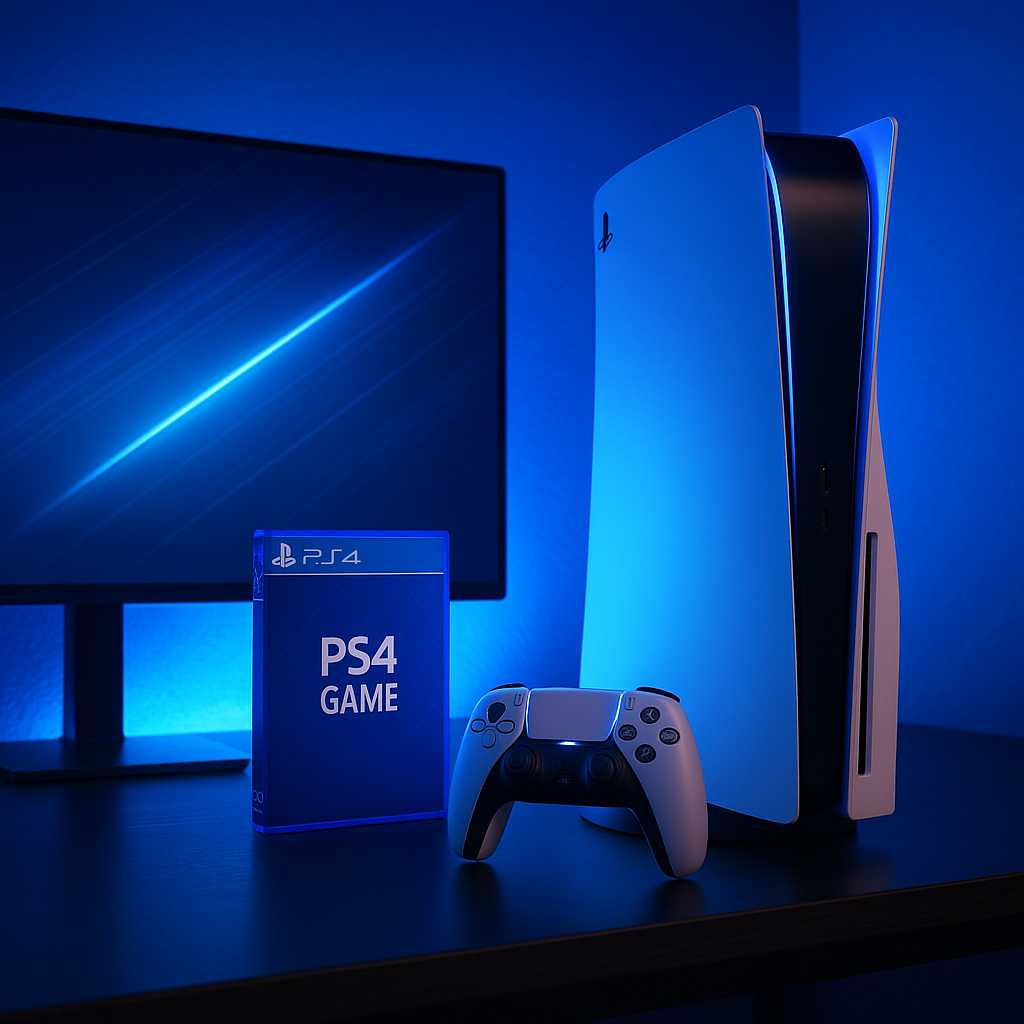
Can PS5 Read All PS4 Games? Full Compatibility Guide for Gamers. The PS5 can play the vast majority of PS4 games, offering backward compatibility for over 4,000 titles. This guide explains which PS4 games the PS5 supports, why a few games are not compatible, and how to ensure the best performance when playing older titles on your new console.
Understanding PS5 Backward Compatibility With PS4 Games
Backward compatibility is one of the most important features for gamers upgrading from PS4 to PS5. Sony designed the PlayStation 5 to support almost the entire PS4 library, meaning you can continue enjoying your favorite titles without buying them again.
The PS5 runs PS4 games through improved hardware and system-level optimization. This ensures that most titles not only work but often perform better on the newer console.
Can PS5 Read All PS4 Games? The Short Answer
The PS5 can run over 4,000 PS4 games, which includes nearly the entire library.
However, not every PS4 game is supported. Sony confirmed a very small list of titles that do not work due to software compatibility limitations.
Still, for most players, the PS5 behaves like a complete upgrade that keeps your PS4 collection intact.
Why Most PS4 Games Work on PS5
1. Similar Architecture Between Consoles
Sony used the same x86-64 architecture across both systems, making it easier for the PS5 to run PS4 titles.
2. System-Level Optimization
PS5 uses its own power to mimic PS4 behavior while improving loading times and performance.
3. Enhanced Performance for Many PS4 Games
Some PS4 games benefit from:
- Higher and more stable frame rates
- Improved resolution
- Faster load times due to PS5’s SSD
- Better overall stability
This means your old games may not just run they may run better than ever.
What PS4 Games Are NOT Compatible With PS5?
Sony published a short list of titles labeled “PS4 only”, meaning they do not work on PS5.
These are usually older or niche games with special dependencies that do not translate well to the new hardware.
Examples include:
- DWVR
- Hitman Go: Definitive Edition
- Just Deal With It!
- Robinson: The Journey
This list contains fewer than 10 titles, making incompatibility extremely rare.
How to Play PS4 Games on PS5
1. Using a PS4 Disc
If you own the disc version of a PS5, simply insert your PS4 game disc.
The game will install, download updates, and run normally.
(Note: Digital Edition PS5 consoles cannot use discs.)
2. Using Digital PS4 Games
Games purchased from the PlayStation Store appear in your library and can be downloaded directly.
3. Transferring Games From PS4
You can transfer your existing PS4 games using:
- Wi-Fi/LAN transfer
- External USB drive
- Cloud save sync (requires PlayStation Plus)
Performance Boosts for PS4 Games on PS5
Many PS4 titles gain enhancements automatically thanks to the PS5’s stronger hardware.
Expect improvements such as:
- Faster loading times
- Enhanced frame rates (60 FPS or higher in supported games)
- More stable performance
- Better textures depending on game patches
Some developers released official PS5 upgrade patches for PS4 titles, including games like:
- Ghost of Tsushima
- God of War
- The Last of Us Part II
These upgrades take advantage of the PS5’s advanced performance capabilities.
Can PS5 Play PS4 VR Games?
Yes the PS5 supports PlayStation VR (PSVR) and all PS4 VR titles that rely on the PS Camera and PS Move controllers.
Read also: The Young Hero Who Sacrificed Everything for Love: The Story
You will need:
- PS Camera (PS4 version)
- PS Camera adapter (free from Sony)
- PS Move controllers or a DualShock 4 controller
PSVR2 is not backward compatible with PSVR1 games at the moment.
Digital vs. Disc Games: What You Need to Know
If you own PS4 discs, you must buy the PS5 Standard Edition with a disc drive to use them.
If you choose the Digital Edition, you can play only digital PS4 games.
Are Saved Games Compatible Between PS4 and PS5?
Yes, but with conditions:
- Most PS4 games allow save transfer to PS5 via cloud saves.
- Some games require manual in-game transfer tools.
- A few titles do not support save migration due to design limitations.
PlayStation Plus makes this process much easier through cloud backup synchronization.
Future of Backward Compatibility on PlayStation
Sony continues to update the PS5 system software to improve backward compatibility performance.
As patches and enhancements roll out, more PS4 games may gain stability improvements or performance boosts.
Backward compatibility is expected to remain a permanent feature in Sony’s future consoles as well.
Frequently Asked Questions
1. Does PS5 run every PS4 game?
No, but it runs over 99% of the PS4 library. Only a very small list of titles is incompatible.
2. Can I use my PS4 discs on PS5 Digital Edition?
No. The Digital Edition cannot accept physical discs.
3. Do PS4 games look better on PS5?
Often yes. Many games see improved load times, smoother performance, and better frame rates.
4. Do I have to repurchase PS4 games for PS5?
No. Digital purchases carry over, and disc games work on the disc version of PS5.
5. Can PS5 play PS4 Pro enhanced titles?
Yes and PS4 Pro enhancements usually run even better due to stronger PS5 hardware.
6. Do I need PlayStation Plus to transfer saves?
You need PS Plus only if using cloud saves. Otherwise, you can transfer via USB.
7. Does PS5 upscale PS4 games to 4K?
Some games upscale, while others run at native resolution. Results vary by title.
8. Are PS4 controllers compatible with PS5 games?
PS4 controllers work on PS5 only for PS4 games, not for PS5 titles.
9. Can I play PS4 VR games on PS5?
Yes, with the proper PS Camera and controller setup.
10. How do I know if a PS4 game won’t work on PS5?
The PlayStation Store marks unsupported titles as “PS4 Only”.
Key Takeaways About PS5 Compatibility
- PS5 supports over 4,000 PS4 games
- Only a tiny list of PS4 titles is incompatible
- Performance improvements are common
- Both disc and digital PS4 games work, depending on your PS5 model
- Saves can transfer, but methods vary
Final Thoughts on Backward Compatibility
Sony designed the PS5 to make upgrading from PS4 seamless.
With near-complete backward compatibility, faster load times, enhanced performance, and game library continuity, switching to PS5 is a smooth transition for any gamer.
For most players, the PS5 does not replace the PS4 it continues and enhances your PlayStation experience.
🟦 Disclaimer and Source Hygiene
This article is based on official PlayStation documentation, publicly available product specifications, and industry-standard gaming knowledge. Always verify compatibility directly on the PlayStation Store or on Sony’s official support page, as updates may change supported features.
🔔 For more tutorials like this, consider subscribing to our blog.
📩 Do you have questions or suggestions? Leave a comment or contact us!
🏷️ Tags: PS5 backward compatibility, PS4 games on PS5, PlayStation 5 guide, gaming compatibility, PS5 performance, Sony PlayStation tips, PS4 discs on PS5, PlayStation library transfer, PS5 gaming setup, console comparison
📢 Hashtags: #PS5 #PS4Games #BackwardCompatibility #PlayStation5 #SonyGaming #GamingNews #ConsoleGuide #TechTips #PS5Upgrade #GameLibrary
