


⏲️ Estimated reading time: 7 min
Table of Contents
Three quick steps can speed up WordPress article indexing even while Google is still processing your sitemap: manual submission in Search Console, smart interlinking from already indexed pages, and strategic distribution. Includes checklist, automation tips, advanced tactics, common errors to avoid, and clear progress metrics.
Why This Plan Works Even If the Sitemap Is “Pending”
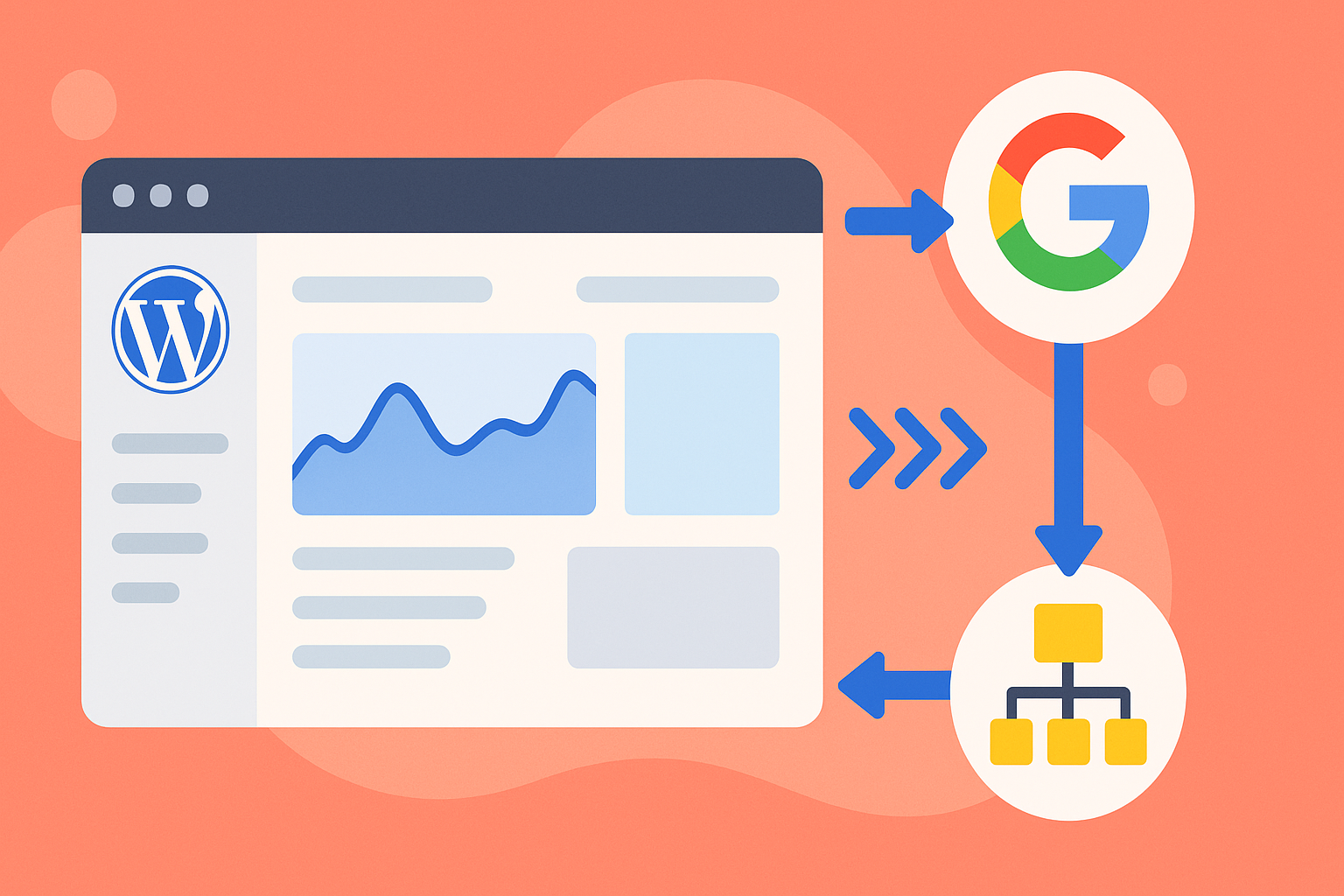
A sitemap is only one of the channels Google uses to discover URLs. When processing is delayed (showing “0 indexed URLs”), you can still speed things up. Googlebot discovers pages through:
- manual submission in Search Console,
- internal links from already indexed pages,
- external signals (social networks, profiles, feeds),
- ping services (RSS/WebSub/IndexNow for Bing).
If you combine these properly, your new article will be crawled faster without relying solely on sitemap status.
Step 1 – Request Manual Indexing in Google Search Console
Step-by-step:
- Open Google Search Console → URL Inspection.
- Enter the newly published URL (canonical version with https and without parameters).
- Click “Request Indexing”.
- Repeat only after major updates (don’t abuse the feature; save it for important content).
Before requesting indexing:
- Make sure your title and H1 match and your meta description is optimized.
- Use a short, keyword-rich slug (e.g.,
/fast-wordpress-indexing/). - Optimize your featured image (WebP, proper width/height, preload if it’s the LCP element).
- Add schema markup (FAQ, HowTo, or Article if relevant).
- Check robots.txt and canonical to avoid accidental blocks.
Common mistakes:
- Requesting indexing before the article is finalized.
- Submitting duplicate versions (with/without trailing slash, UTM parameters).
- Forgetting to request the exact canonical URL.
Step 2 – Smart Internal Linking From Already Indexed Pages
Why it works: Googlebot recrawls high-authority and high-traffic pages more often (home, evergreen content, categories). Adding contextual links from these nodes points the bot directly to your new content.
Internal linking checklist (15 minutes):
- Add 2–5 contextual links from evergreen or high-traffic posts.
- Use natural anchors (“fast WordPress indexing,” “accelerate indexing in Google”).
- Insert links in:
- related category pages,
- evergreen hubs (pillar pages),
- top-traffic blog posts.
- Avoid unnecessary nofollow attributes.
- Run a quick crawl (Screaming Frog / plugin) to confirm the new URL is in your site graph.
Pro tip (automation):
- Add a “New Resources” block (via WP_Query) at the bottom of evergreen articles to auto-pull the latest posts. That way, every new article is instantly linked from multiple strong pages.
Step 3 – External Distribution for Faster Discovery
Google doesn’t use “social signals” as a ranking factor, but does crawl public social links.
Where to post quickly:
- Facebook/X/LinkedIn (public profiles, groups, or pages).
- Reddit/Quora (only when relevant and valuable).
- Newsletters/RSS feeds (subscribers generate clicks, bots detect real visits).
- Bing IndexNow (via plugin) – speeds up indexing in Bing and partners.
Pro tip: create 2–3 micro-posts and distribute them 24–48h apart. This increases the chance of multiple crawls.
Quick WordPress Publishing Checklist (5-Minute Routine)
- Short, keyword-focused slug.
- Clear H1 and meta description.
- Optimized featured image (WebP, preload if LCP).
- Add internal link(s) from evergreen content.
- Schema markup (FAQ, HowTo, or Article).
- Request indexing in GSC.
- Share on 2–3 public channels.
Useful Automations
Note: There’s no official “magic ping” to force instant Google indexing, but you can make your site more crawl-friendly.
A. WebSub (formerly PubSubHubbub) for RSS
Pushes your feed updates instantly to a hub – faster discovery.
B. IndexNow for Bing
Pings Bing when you publish/update. Extra traffic potential with zero downside.
C. Preloading & Navigation
Ensure your menus and category pages always expose new articles. Avoid orphaned content.
Advanced Tactics for Extra Speed
- Update an evergreen article (add 1–2 paragraphs + link to the new one) and re-request indexing.
- Add a mini-summary TL;DR in related posts with a link.
- Feature new content on the homepage (Google crawls it often).
- Keep category pages clean and optimized (with intros and clear pagination).
- Avoid duplication traps (UTM parameters, print views, feeds indexed).
- Maintain robots.txt & canonical correctly.
- Improve Core Web Vitals (Google may prioritize crawl budget based on site quality).
Mistakes That Slow Down Indexing
- Leaving noindex on published posts.
- Wrong canonical URL (pointing elsewhere).
- Overblocking in robots.txt (
/wp-json/,/wp-content/). - Sitemap misconfigurations (non-https, wrong domain, staging environment).
- Thin content (200 words) on competitive topics.
- Orphaned taxonomy pages.
- Indexed duplicates with tracking parameters.
- Missing H1 or improper heading structure.
How to Measure Progress
Within 24–72h, check:
- GSC → Performance → Page (filter by URL) – impressions/clicks?
- GSC → Indexed Pages – status = “Indexed”?
- Server logs – is Googlebot crawling the new URL?
site:yourdomain.com "article title"sometimes cached before reporting in GSC.
If no signs after 7–10 days:
- Re-check technical blocks.
- Add stronger internal links.
- Update the article with fresh content.
- Request indexing again (once).
SOP (Standard Operating Procedure) for Each Article
- Finish content, meta, and image optimization.
- Publish.
- Add 2–5 internal links from strong evergreen posts.
- Update one related evergreen with a paragraph + link.
- Request indexing in GSC.
- Share on at least 2 external platforms.
- Check metrics after 24–72h.
Repeat consistently for best results.
Quick Automation: “New Resources in Category” (WP_Query)
Insert into category template or block:
<?php
$cat = get_queried_object();
$q = new WP_Query([
  'post_type'      => 'post',
  'posts_per_page' => 5,
  'cat'            => $cat->term_id ?? 0,
  'ignore_sticky_posts' => true,
  'no_found_rows'  => true,
  'orderby'        => 'date',
  'order'          => 'DESC',
]);
if ($q->have_posts()) {
  echo '<section class="new-resources"><h2>New Resources</h2><ul>';
  while ($q->have_posts()) { $q->the_post();
    echo '<li><a href="'.esc_url(get_permalink()).'">'.esc_html(get_the_title()).'</a></li>';
  }
  echo '</ul></section>';
  wp_reset_postdata();
}
Why it helps: Every category page automatically lists new posts, giving them exposure on pages Google recrawls often.
FAQ
Q: My sitemap shows 0 indexed URLs. Is it broken?
A: Not necessarily. Reporting can lag. What matters is whether your URLs show up via site:domain.com or in GSC impressions.
Q: Does Google support IndexNow?
A: No, it’s for Bing and partners only. But it still helps boost traffic and doesn’t harm Google indexing.
Q: How often can I request indexing?
A: Only when publishing or making significant updates. Overuse doesn’t help.
Q: Do social shares matter?
A: Yes, for discovery. Public links and real clicks accelerate crawling.
Key Takeaways
See also: WP Cleanup Toolkit Plugin Guide: Full Walkthrough
- You’re not dependent on the sitemap for discovery: use Search Console requests, internal linking, and external signals.
- Create a repeatable routine (SOP) for every new article.
- Avoid technical errors (noindex, bad canonicals, robots.txt blocks).
- Use evergreen hubs as crawl hubs to boost new content.
- Track progress within 24–72 hours and adjust if needed.
🔔 For more tutorials like this, consider subscribing to our blog.
📩 Do you have questions or suggestions? Leave a comment or contact us!
🏷️ Tags: WordPress SEO, Fast Indexing, Google Search Console, Internal Linking, Sitemap, Core Web Vitals, IndexNow, RSS WebSub, Technical SEO, Content Optimization
📢 Hashtags: #WordPress, #SEO, #Indexing, #GoogleSearchConsole, #Sitemap, #InternalLinking, #CoreWebVitals, #IndexNow, #WebSub, #ContentOptimization
