

⏲️ Estimated reading time: 3 min
Table of Contents
Launching a WordPress site involves more than a click. From domain setup to SEO optimization and security, here are 10 key steps to ensure your WordPress website is professional, secure, and ready for the online world.
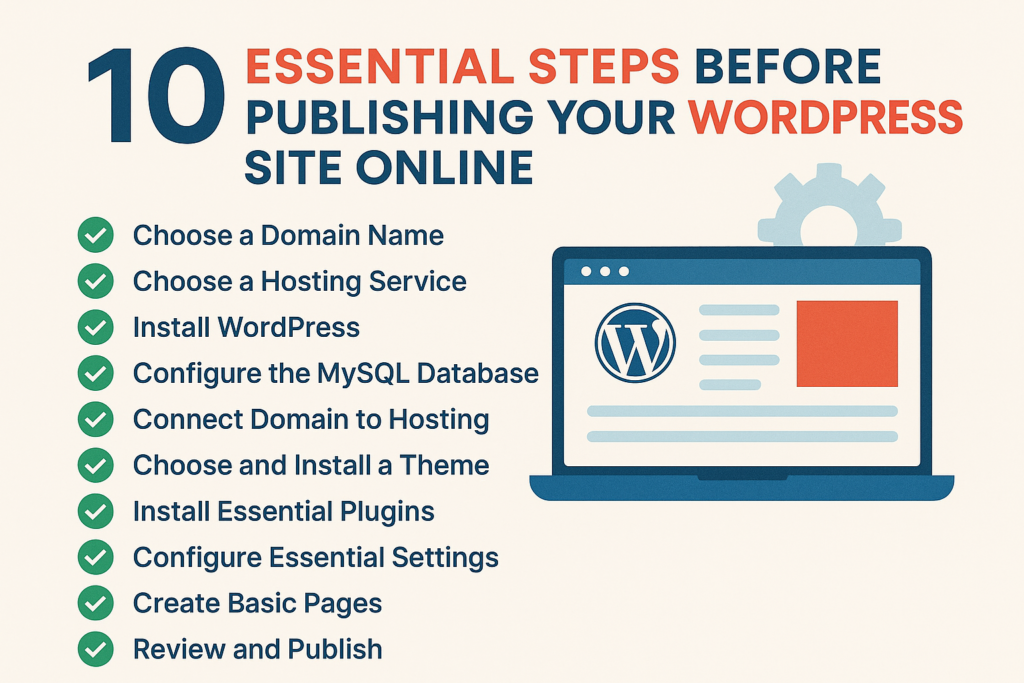
10 Essential Steps Before Publishing Your WordPress Site Online
1. Choose the Right Domain Name
The first step in launching your website is choosing a memorable and relevant domain name. Make sure it is:
- Easy to type
- Free of unnecessary characters or numbers
- Aligned with your personal brand or business
You can check and purchase domains via Namecheap, GoDaddy, or IONOS.
2. Select the Right Web Hosting
You need a reliable hosting service compatible with WordPress. Common options:
- Shared hosting (e.g., Hostinger, Bluehost) for small projects
- VPS or Cloud hosting (e.g., DigitalOcean, Contabo) for better performance
- Ensure it includes SSL, technical support, and automatic backups
3. Install WordPress
Most hosting providers offer 1-click WordPress installations. Alternatively:
- Download WordPress from wordpress.org
- Upload files to your server via FTP
- Create a
wp-config.phpfile with your database details
4. Set Up Your Database
Create a MySQL database using cPanel or phpMyAdmin. Keep track of:
- Database name
- Username and password
- Host (usually
localhost)
5. Connect Your Domain to Hosting
Access your domain registrar and update the nameservers (NS) to those provided by your host. DNS propagation may take 5 to 48 hours.
6. Choose and Install a WordPress Theme
Pick a clean, responsive theme that fits your site’s purpose:
See also: The Fastest Way to Lose a Good Man
- Free themes: GeneratePress, Astra, Neve
- Premium themes: Kadence, Blocksy, Divi
- Install via Appearance > Themes or upload the .zip manually
7. Install Essential Plugins
Plugins extend your website’s functionality. Recommended tools:
- SEO: Yoast SEO or Rank Math
- Backups: UpdraftPlus
- Contact Form: WPForms
- Security: Wordfence
- Caching: LiteSpeed Cache or W3 Total Cache
8. Configure Basic WordPress Settings
Review and set:
- Site title and tagline (under Settings > General)
- Permalink structure (Settings > Permalinks) – choose “Post name”
- Search engine visibility (Settings > Reading) – uncheck “Discourage search engines”
9. Create Core Pages
A professional website should include the following pages:
- Home
- About
- Contact
- Privacy Policy
- Terms & Conditions
Use Gutenberg or Elementor to create structured, user-friendly pages.
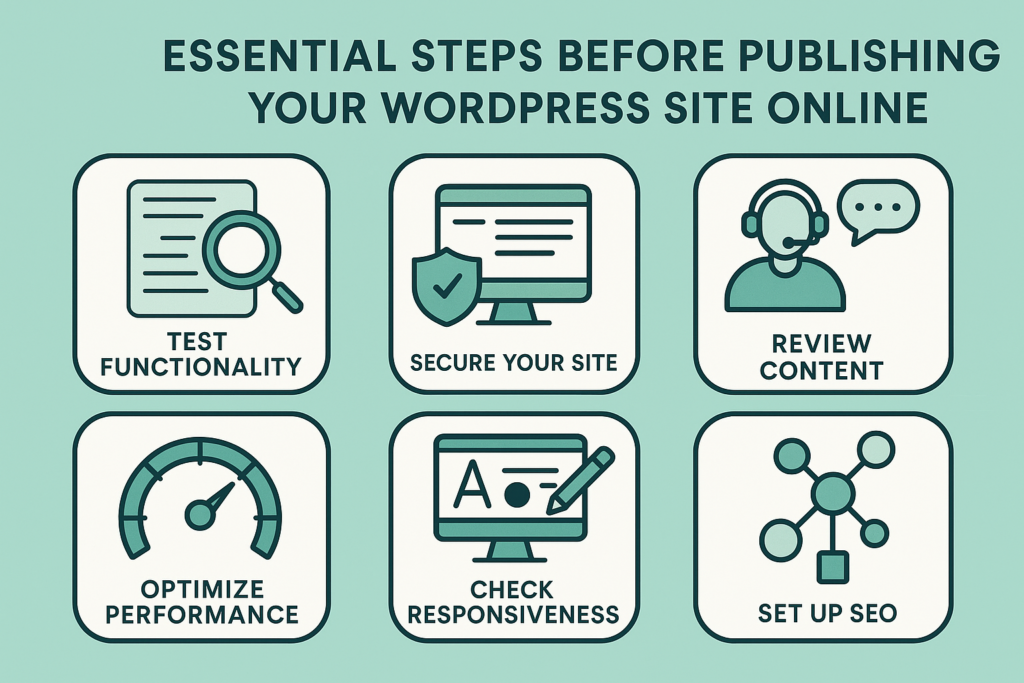
10. Test and Launch Your Site
- Check responsiveness on mobile, tablet, and desktop
- Test all links and buttons
- Ensure SSL is working (https://)
- Submit your site to Google Search Console
- Add Google Analytics tracking
Project Complete
Congrats! If you’ve followed these steps, your WordPress site is now functional, optimized, and ready to grow its online presence.
🔔 For more tutorials like this, consider subscribing to our blog.
📩 Do you have questions or suggestions? Leave a comment or contact us!
🏷️ Tags: WordPress, wordpress setup, domain name, web hosting, theme selection, SEO plugins, site launch, create website, essential plugins, wordpress guide
📢 Hashtags: #WordPress, #WebHosting, #WordPressGuide, #SiteLaunch, #ThemeSetup, #SEOPlugins, #CreateWebsite, #WPBeginner, #WordPressTutorial, #WPSetup
Final Thoughts
Launching a WordPress site may seem overwhelming, but with the right plan and steps, it’s a smooth and rewarding process even for beginners. Remember: a successful site doesn’t end at launch it evolves through content, SEO, and consistency.
